How to manage this Hugo based page from my Android phone in 2026

This TIL post is basically an update to my three year old post “Hugo, meet Android”. I recently got a new phone and thus had to re-do the setup of my mobile blogging pipeline. So, basically, allow me to checkout, modify, test, commit and push the sources of this Hugo based static page under Android. While doing so I noticed some necessary changes and improvements, and also wanted to make use of my Taskfile which does most of the heavy lifting now, so here are my updated steps. ...
June 19, 2026 · 4 min

How to view the page source on Firefox and Chrome mobile

Viewing the page source on Firefox and Chrome mobile is as easy as prepending view-source: to the URL. Example: https://foosel.net becomes view-source:https://foosel.net.

January 28, 2023 · 1 min
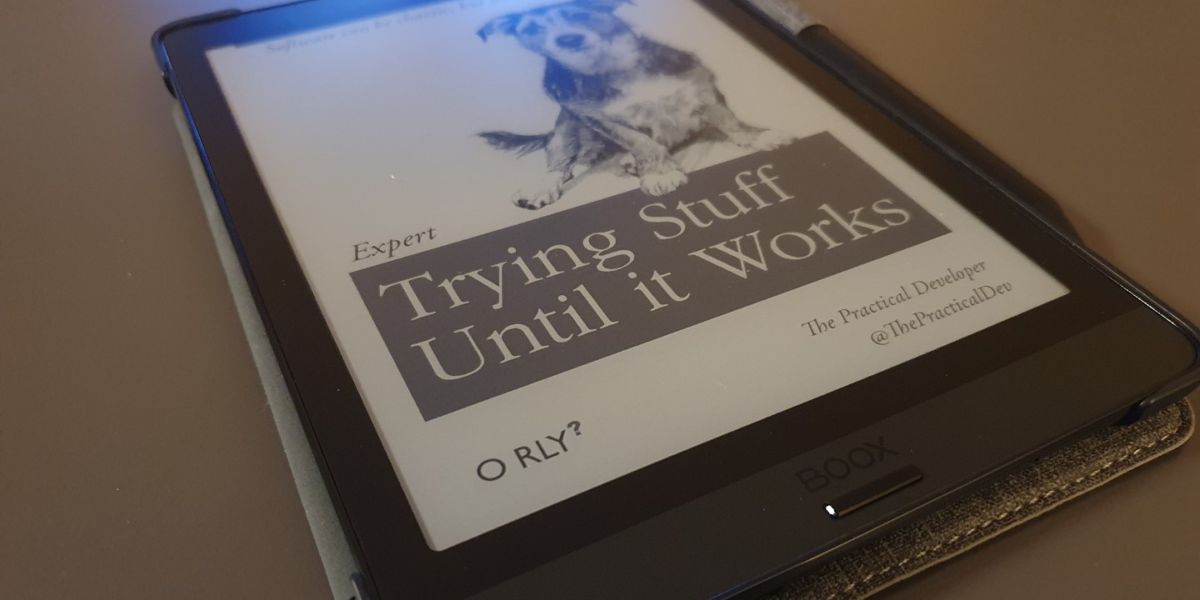
A picture of the Onyx Boox Nova 3 Color e-reader lying on a table. It's sleeping and its display is showing a fake book cover in the style of the O'Reilly programming books.

Review: Onyx Boox Nova 3 Color

I’ve always been a bookworm. As a child, my favourite past time was reading. I usually dragged my current book with me everywhere and would read at any opportunity1. So, when e-readers became a thing, I was very excited to save on a ton of shelf space in the future and got myself an Amazon Kindle at the first chance I got. Back then in 2010 I actually had to import my Kindle 3 Keyboard from the US since it wasn’t available in Germany yet. And since then I’ve gone through a couple of e-readers, all of them Kindles. But all the time I was a bit annoyed at two things: ...

January 27, 2023 · 13 min

How to detect Termux in a script

If you need to detect whether you are running in Termux from a bash script, check if $PREFIX contains the string com.termux: echo $PREFIX | grep -o "com.termux" This can also be used to set a variable in a Taskfile: vars: TERMUX: '{{and .PREFIX (contains "com.termux" .PREFIX)}}' Source

January 23, 2023 · 1 min

How to open a file from Tasker in Markor

In order to open a file from Tasker in Markor (e.g. to edit a newly created blog post), create a “Send Intent” step with: Action: android.intent.action.SEND Cat: None Mime Type: text/plain Data: content://net.dinglisch.android.taskerm.fileprovider/external_files/path/to/the/file (be sure to replace /path/to/the/file with the absolute path to the file you want to open) Package: net.gsantner.markor Class: net.gsantner.markor.activity.DocumentActivity Source

January 21, 2023 · 1 min
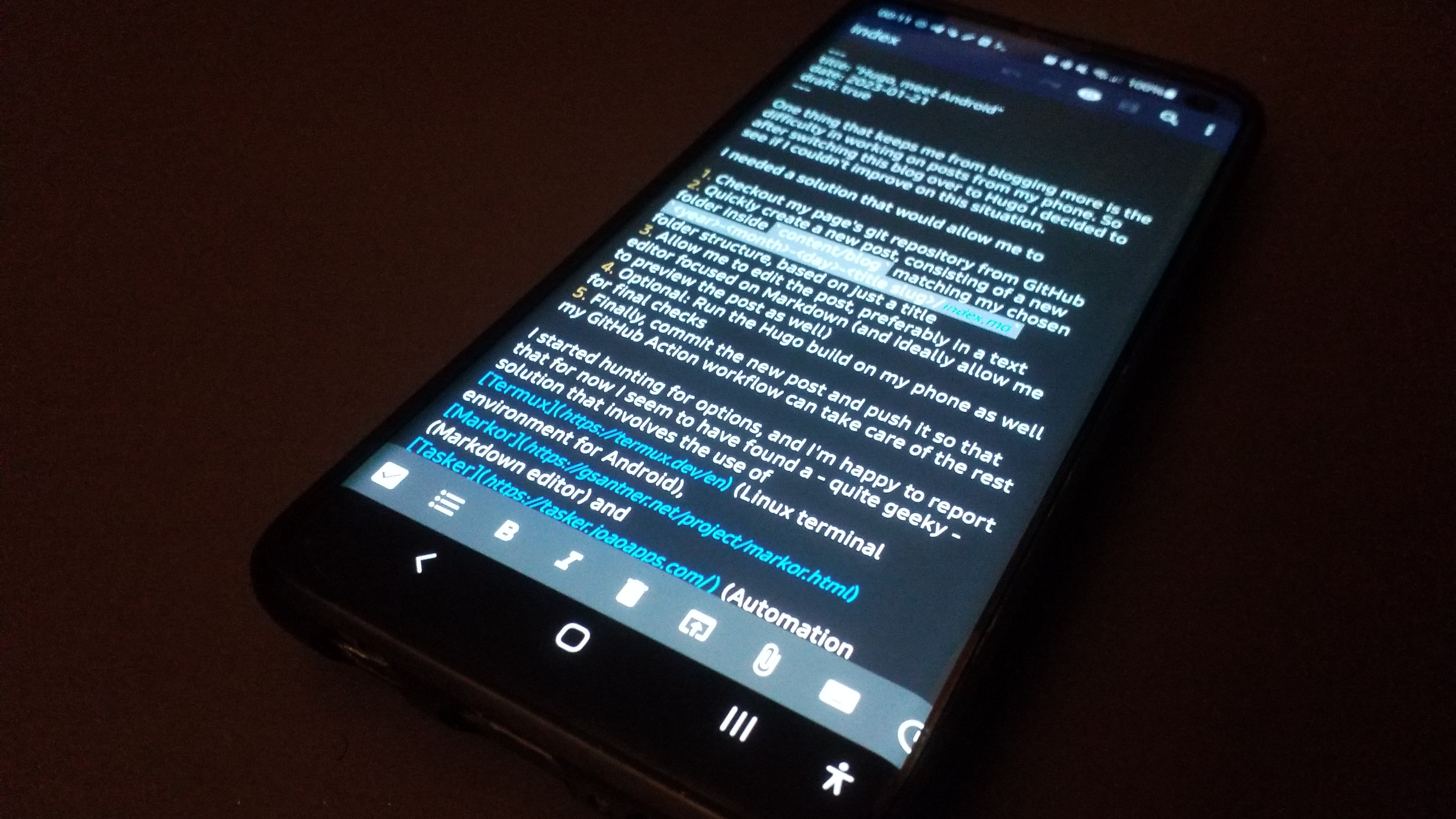
A smartphone lying on a table, showing Markor in editing mode on the Markdown of this blog post.

Hugo, meet Android

Update from 2026-06-19: I went through these steps again after getting a new phone and had to change some things here and there while also improving other bits. You can find an update here. One thing that kept me from blogging more so far was the difficulty in working on posts on my phone. So after switching this blog over to Hugo I decided to see if I couldn’t improve on this situation. ...

January 21, 2023 · Updated June 19, 2026 · 5 min
Mastodon Alt